Preview nodes in Kedro-Viz
Warning
This functionality is experimental and may change or be removed in future releases. Experimental features follow the process described in docs/about/experimental.md.
Starting from Kedro 1.2.0 and Kedro-Viz 12.3.0, you can attach preview functions to nodes using the preview_fn parameter. When you click on a node in Kedro-Viz, the preview appears in the metadata panel, like dataset previews.
Node previews help you understand node behaviour without reading implementation code, including:
- Node configuration and parameters
- Internal workflows or decision logic
- Expected behaviour or outputs
How to create and configure node previews
To learn how to add preview functions to your nodes, including detailed examples and configuration options, see the Kedro documentation on preview functions.
Supported preview types in Kedro-Viz
Kedro-Viz supports three preview types for nodes:
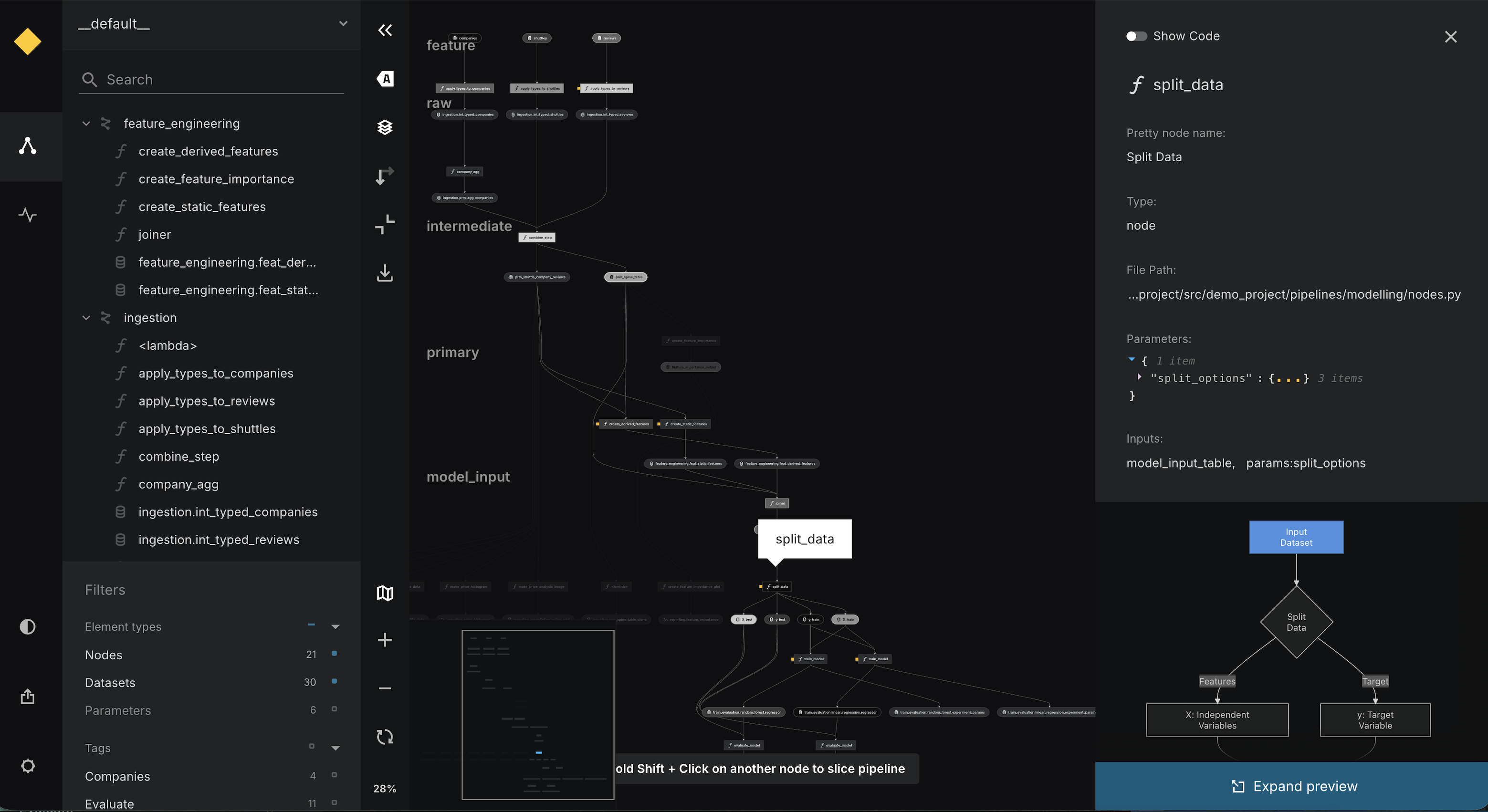
Mermaid preview
Displays flowcharts, sequence diagrams, and other Mermaid visualisations. Useful for showing workflows, decision logic, or process flows within a node.
Text preview
Displays text summaries, logs, usage examples or testing information with code snippets and syntax highlighting.
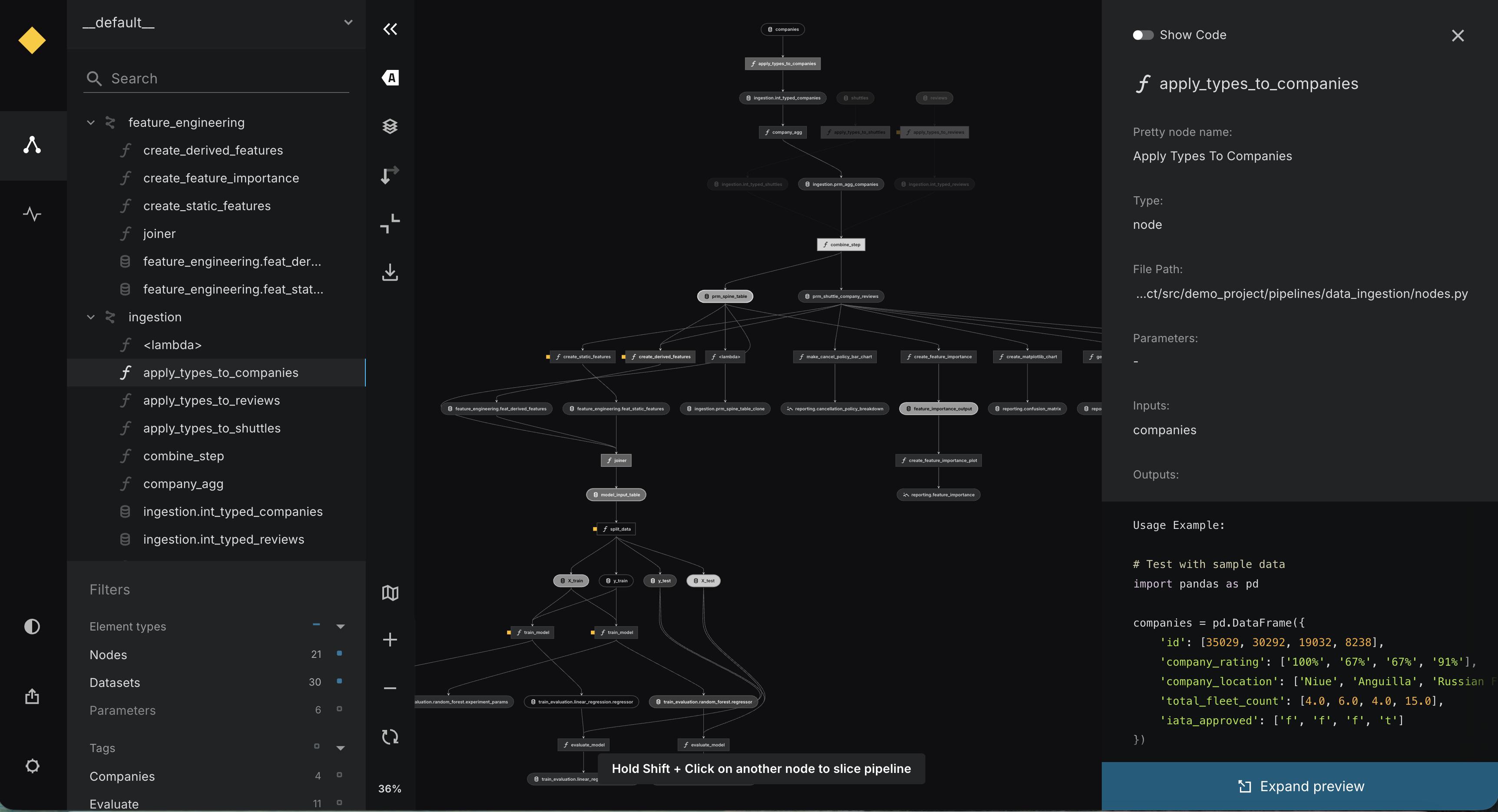
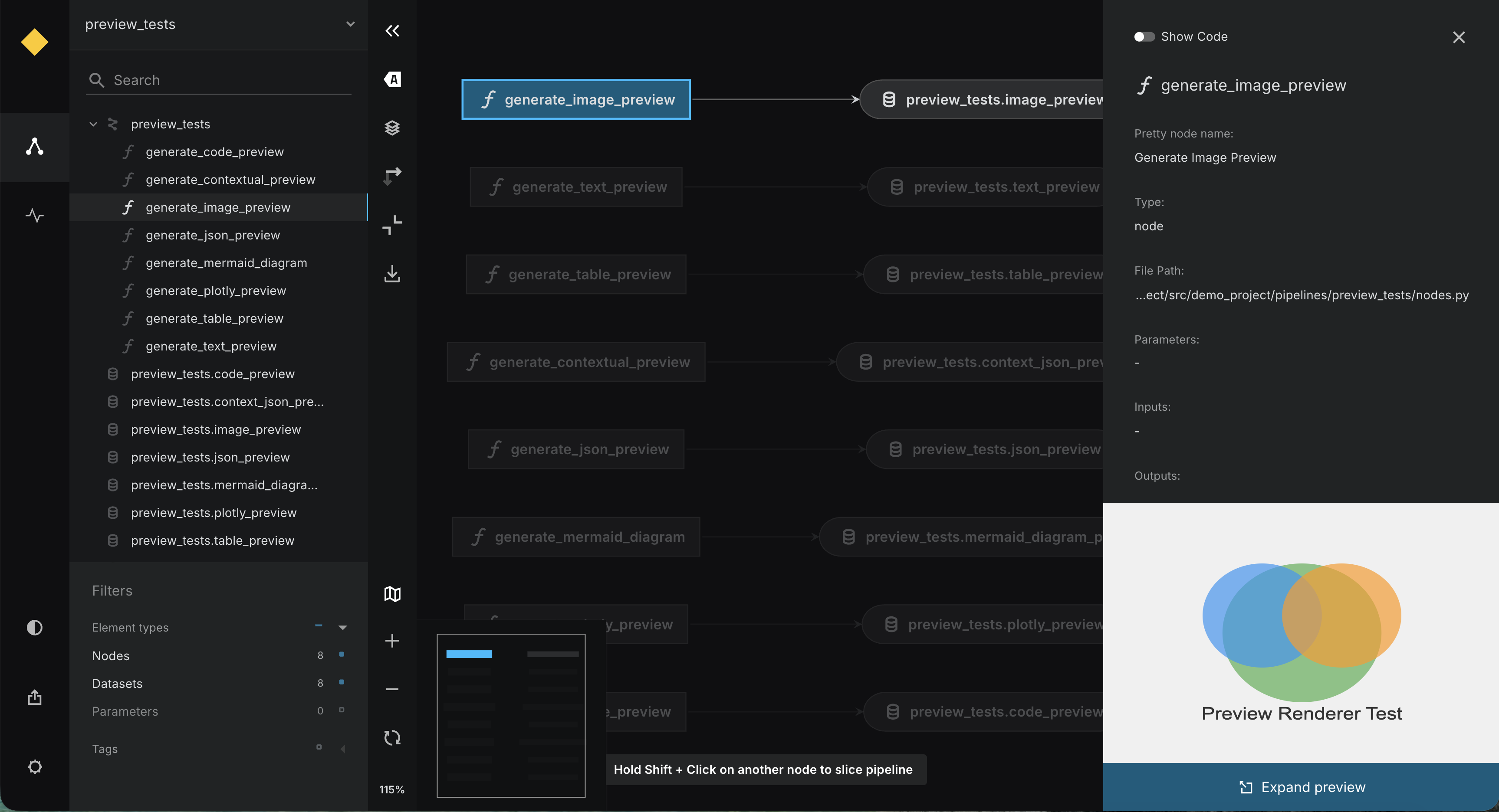
Image preview
Displays images using URLs or base64-encoded data uniform resource identifiers. Useful for showing static diagrams, charts, or reference images.
Differences from dataset previews
Node previews differ from dataset previews in several ways:
| Aspect | Dataset Previews | Node Previews |
|---|---|---|
| What they show | Actual data content | Node behaviour/configuration |
| When they run | After data is loaded | Defined at pipeline creation |
| Access to data | Full dataset access | No direct access to inputs/outputs |
| Primary use case | Inspect data quality | Understand node logic |
| Enabled by default | Yes (since Kedro-Viz 8.0.0) | When preview_fn is provided |
Tip
Node previews work alongside dataset previews to give you a complete view of your pipeline's behaviour.