Extend preview to custom datasets
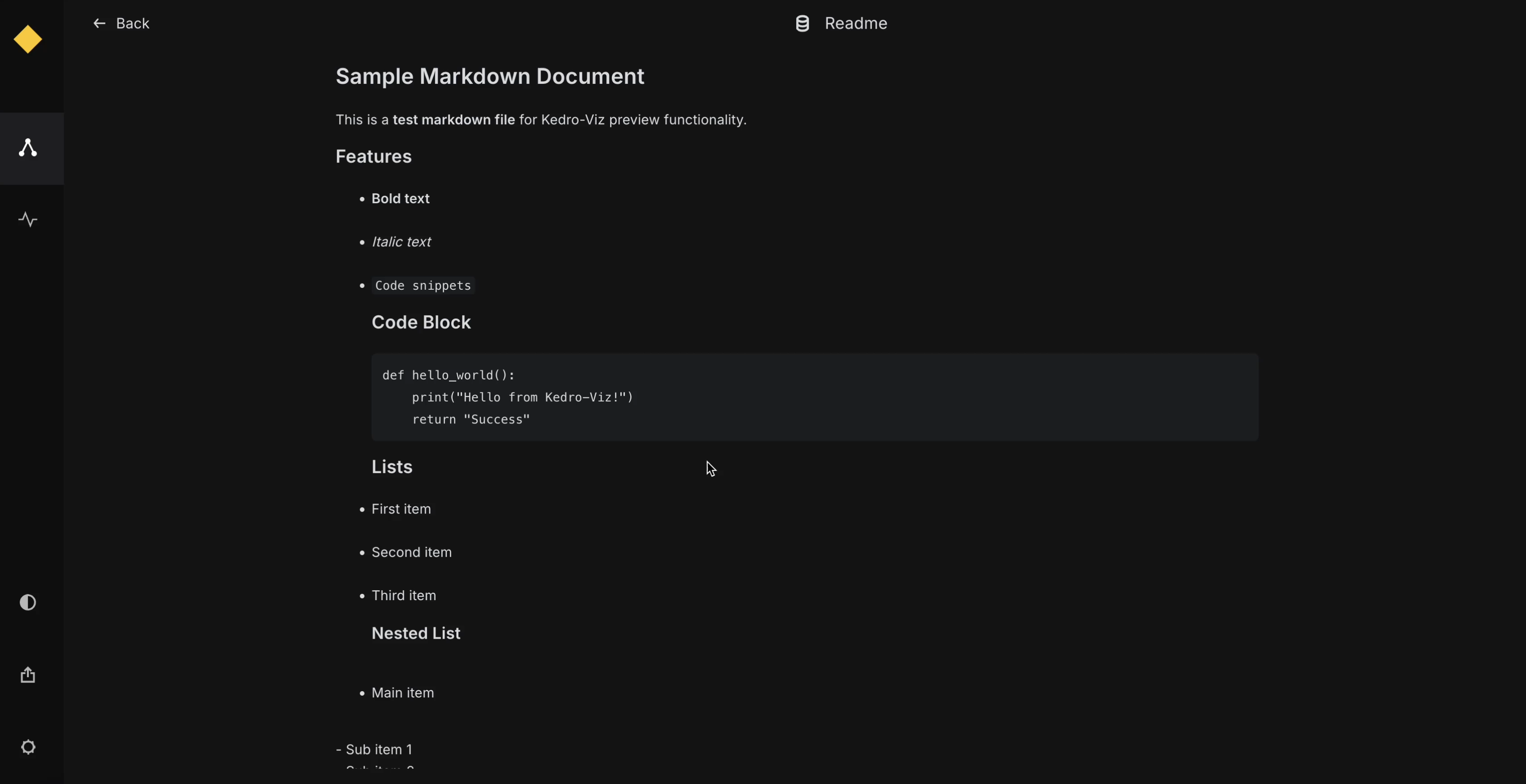
When creating a custom dataset, if you wish to enable data preview for that dataset, you must implement a preview() function within the custom dataset class. Kedro-Viz supports previewing tables, Plotly charts, images, JSON objects, and HTML content.
The return type of the preview() function should match one of the following types, as defined in the kedro-datasets source code (_typing.py file):
TablePreview = NewType("TablePreview", dict)
ImagePreview = NewType("ImagePreview", bytes)
PlotlyPreview = NewType("PlotlyPreview", dict)
JSONPreview = NewType("JSONPreview", dict)
HTMLPreview = NewType("HTMLPreview", str)
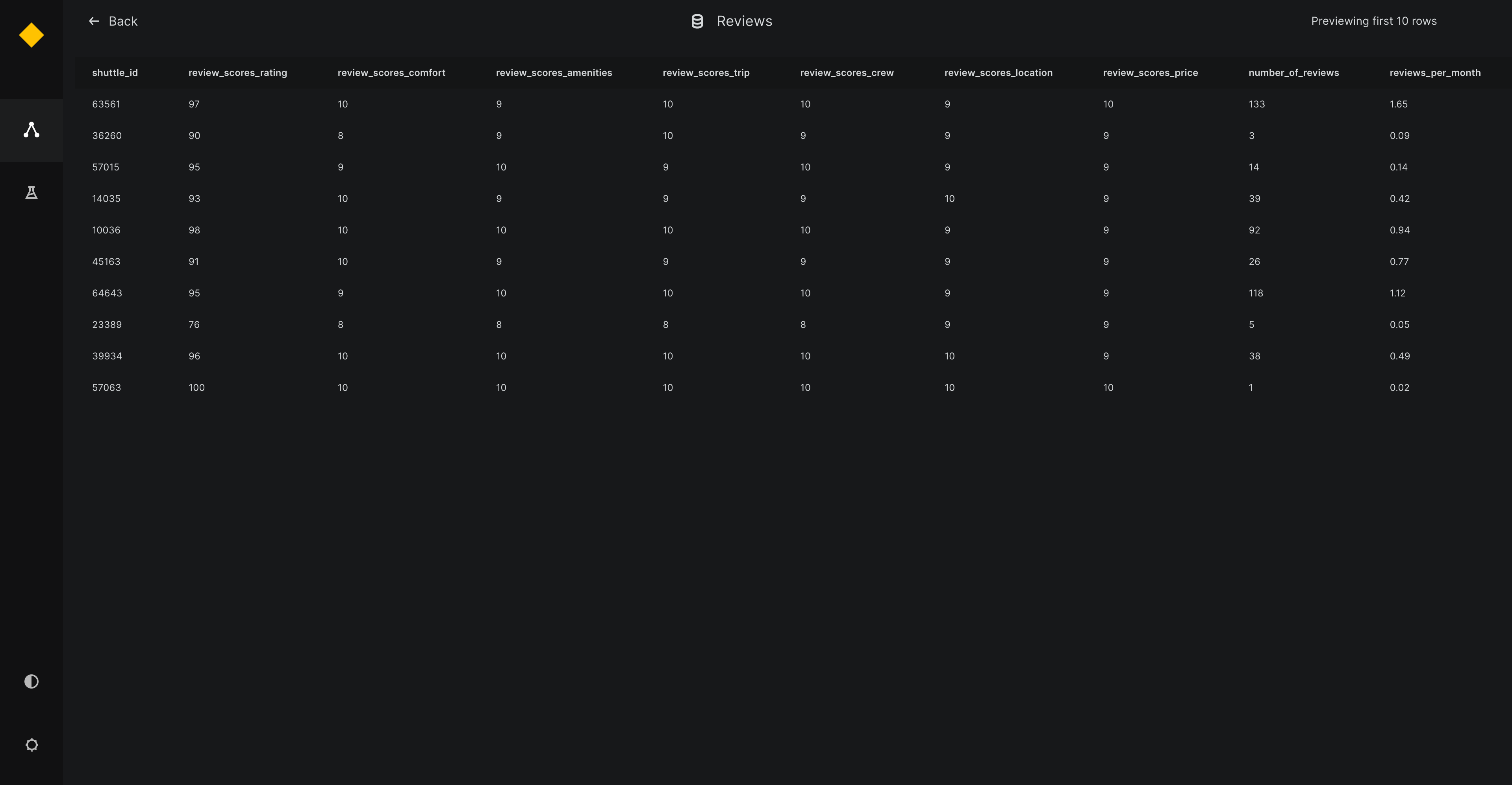
TablePreview
For TablePreview, the returned dictionary must contain the following keys:
index: A list of row indices.
columns: A list of column names.
data: A list of rows, where each row is itself a list of values.
Arbitrary arguments can be included in the preview() function, which can be later specified in the catalog.yml file. Ensure that these arguments (like nrows, ncolumns, and filters) match the structure of your dataset.
Below is an example demonstrating how to implement the preview() function with user-specified arguments for a CustomDataset class that utilizes TablePreview to enable previewing tabular data on Kedro-Viz:
companies:
  type: CustomTableDataset
  filepath: ${_base_location}/01_raw/companies.csv
  metadata:
    kedro-viz:
      layer: raw
      preview_args:
        nrows: 5
        ncolumns: 2
        filters: {
          gender: male
        }
from kedro_datasets._typing import TablePreview

class CustomTableDataset:
  def preview(self, nrows, ncolumns, filters) -> TablePreview:
    data = self.load()
    for column, value in filters.items():
        data = data[data[column] == value]
    subset = data.iloc[:nrows, :ncolumns]
    preview_data = {
        'index': list(subset.index),  # List of row indices
        'columns': list(subset.columns),  # List of column names
        'data': subset.values.tolist()  # List of rows, where each row is a list of values
    }
    return preview_data
ImagePreview
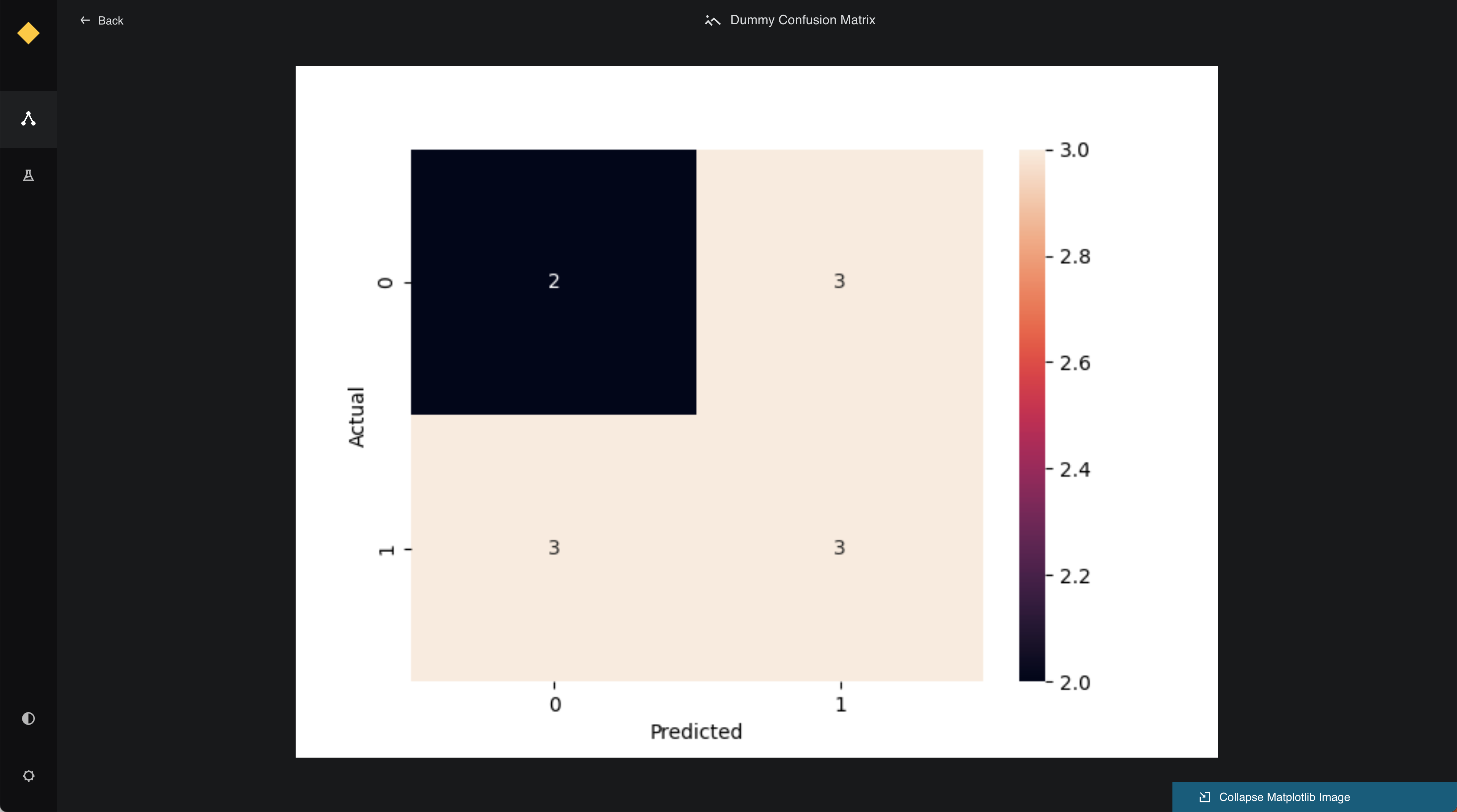
For ImagePreview, the function should return a base64-encoded string representing the image. This is typically used for datasets that output visual data such as plots or images.
Below is an example implementation:
from kedro_datasets._typing import ImagePreview

class CustomImageDataset:
  def preview(self) -> ImagePreview:
    image_path = self._get_image_path()
    with open(image_path, "rb") as image_file:
        encoded_string = base64.b64encode(image_file.read()).decode('utf-8')
    return ImagePreview(encoded_string)
PlotlyPreview
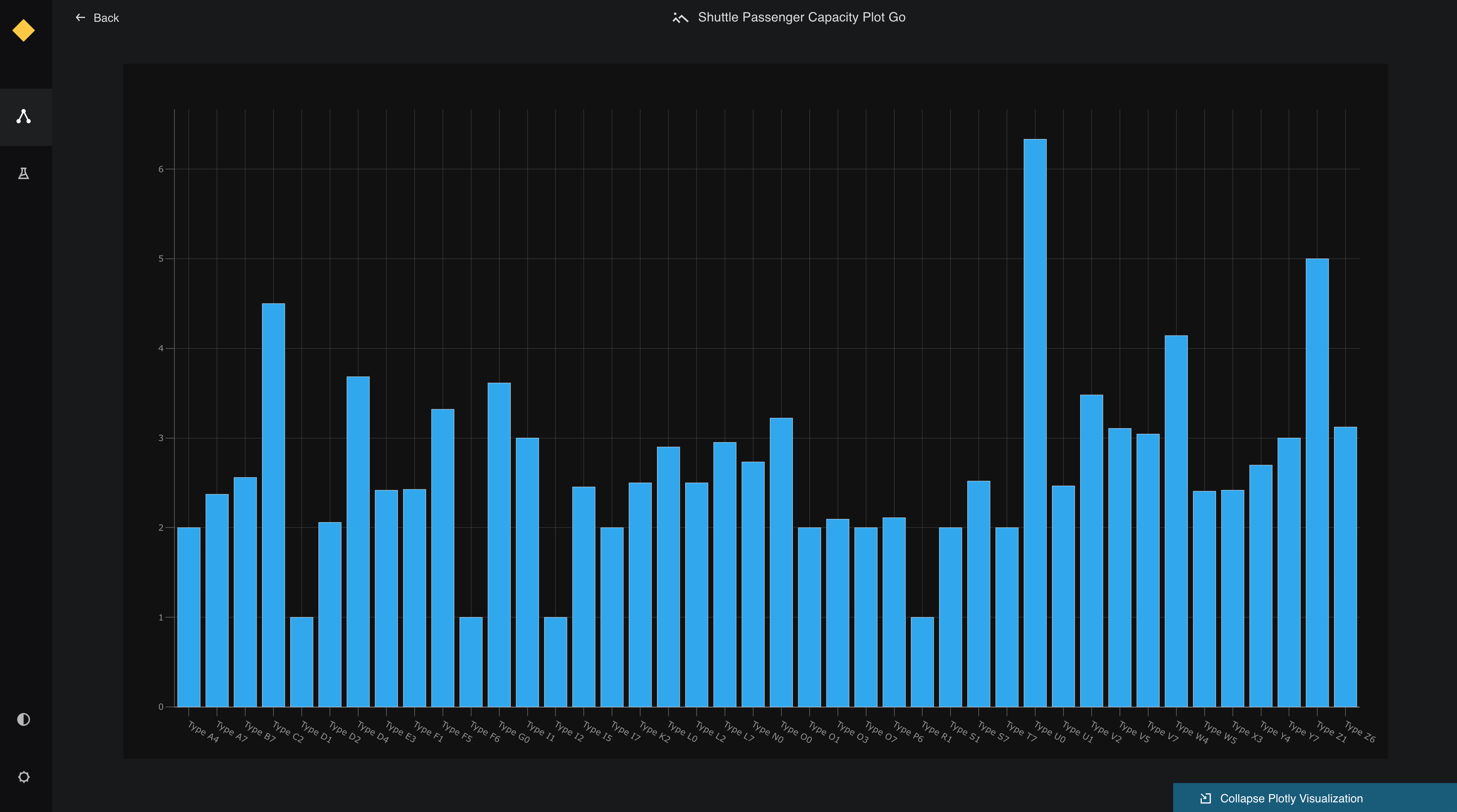
For PlotlyPreview, the function should return a dictionary containing Plotly figure data. This includes the figure's data and layout keys.
Below is an example implementation:
from kedro_datasets._typing import PlotlyPreview

class CustomPlotlyDataset:
  def preview(self) -> PlotlyPreview:
    figure = self._load_plotly_figure()
    return PlotlyPreview({
        "data": figure["data"],
        "layout": figure["layout"]
    })
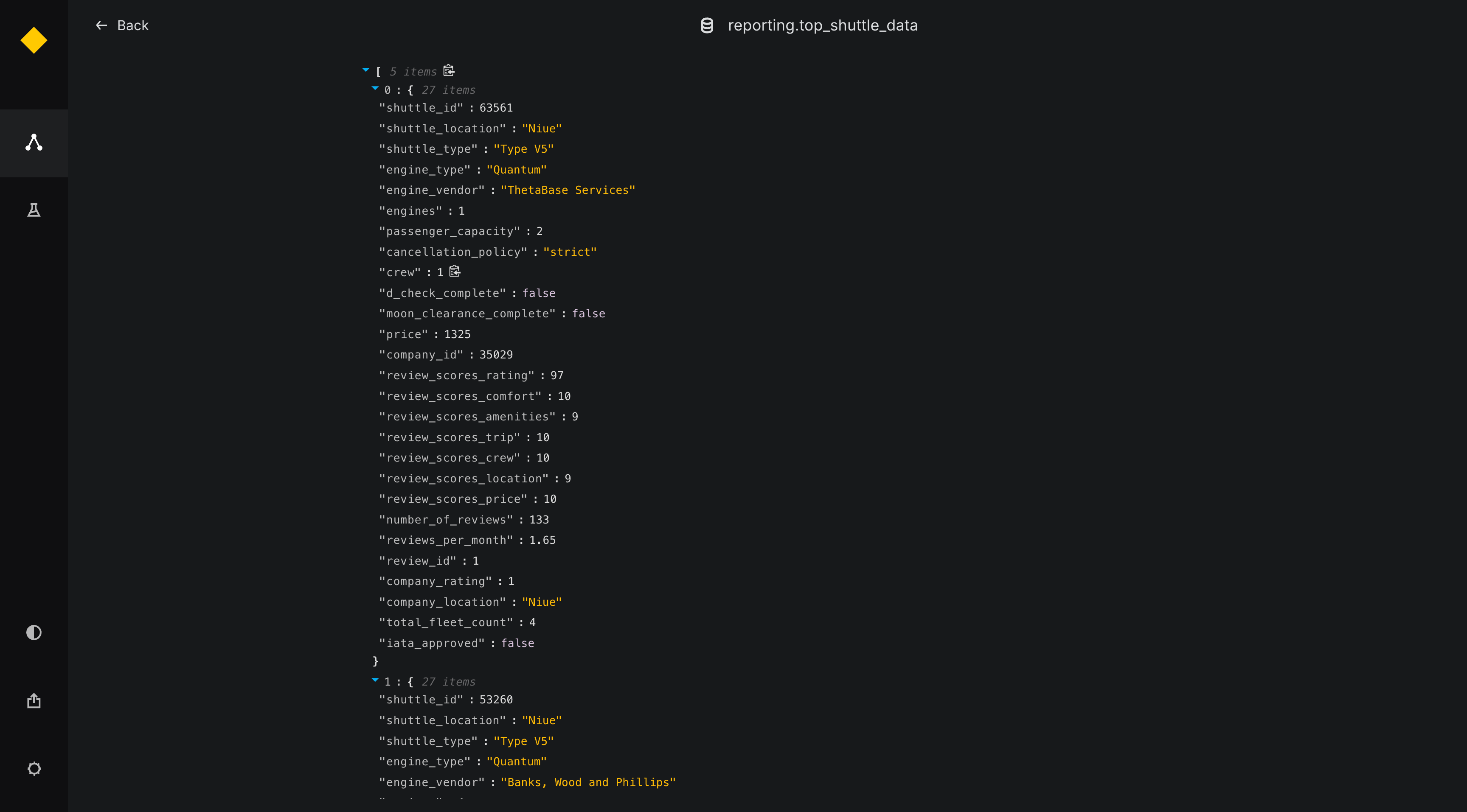
JSONPreview
For JSONPreview, the function should return a dictionary representing the JSON data. This is useful for previewing complex nested data structures.
Below is an example implementation:
from kedro_datasets._typing import JSONPreview

class CustomJSONDataset:
  def preview(self) -> JSONPreview:
    json_data = self._load_json_data()
    return JSONPreview(json.dumps(json_data))
HTMLPreview
For HTMLPreview, the function should return a string containing HTML or markdown content. This is useful for previewing text-based datasets, documentation, or any content that can be rendered as HTML.
Below is an example implementation:
from kedro_datasets._typing import HTMLPreview

class MarkdownTextDataset:
  def preview(self) -> HTMLPreview:
    text_content = self.load()
    # Can return plain text, markdown, or HTML content
    return HTMLPreview(text_content)